


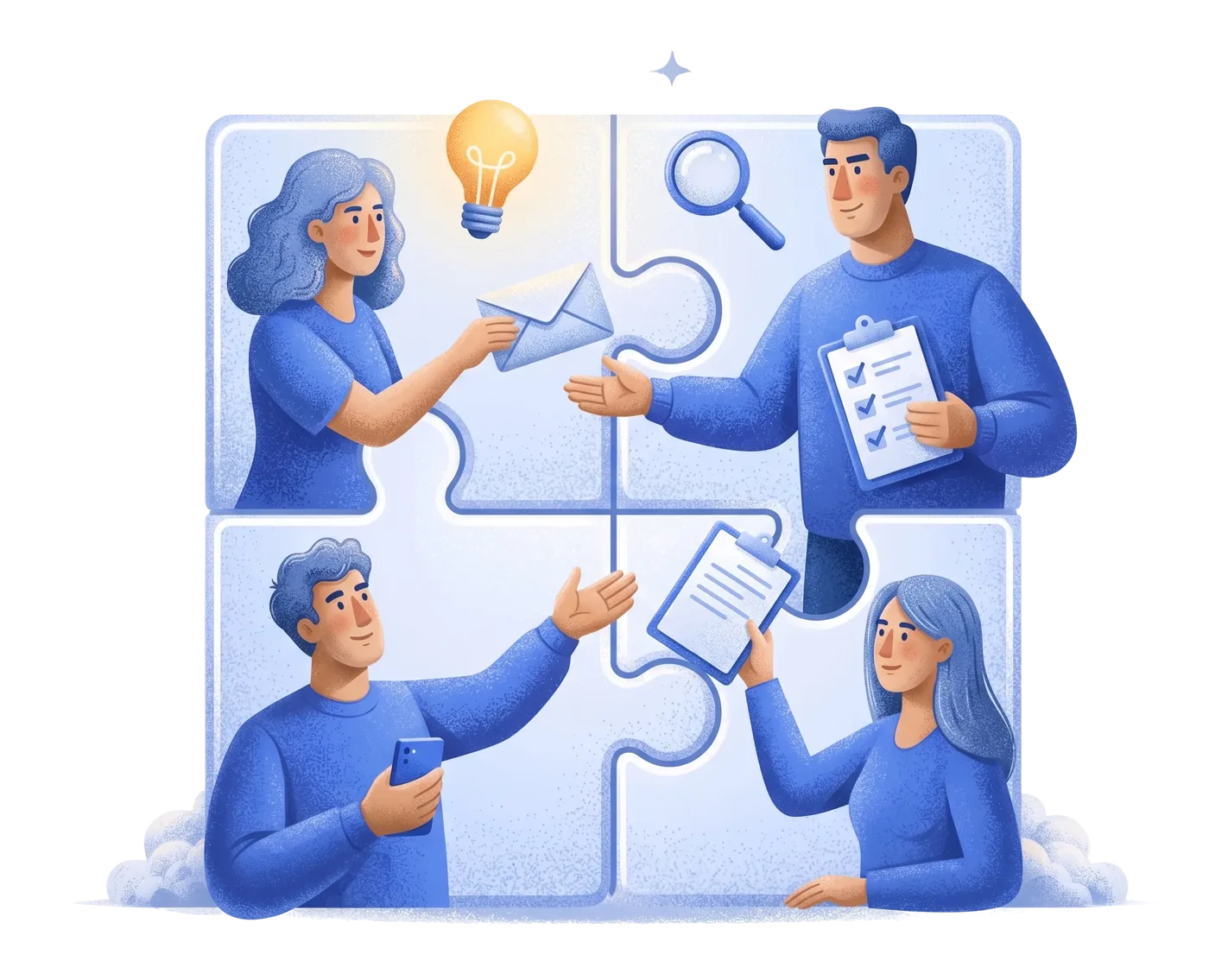
Tasks the way teams that ship like to work
Keyboard-first, Linear-style boards with cycles, issues, comments and per-team workflow states. Plan a cycle, move issues across columns that mirror your real process, and keep the conversation on the card. Scope-aware overviews mean each person sees the work that's theirs without the noise of everyone else's.
- Keyboard-first boards with cycles and issues
- Per-team workflow states as real columns
- Comments and context on every card
- Scope-aware overviews per role
Documents and sheets that live next to the work
Write a doc or model a spreadsheet without switching apps — they sit right beside the tasks and chat they relate to. Formula-driven sheets handle rosters, budgets and trackers, with exports when you need to share outside, so your team's knowledge isn't scattered across five tools.
- Lightweight collaborative documents
- Formula-driven spreadsheets with exports
- Right next to the tasks and chat they belong to
- One login for the doc, the board and the team
A Drive you can actually trust
Folders, sharing and public links, plus trash and recovery so a wrong delete isn't a disaster. Important documents can carry auto-expiry alerts, and uploads are stored privately with access checked on every download — the convenience of a shared drive without the leaky link problem.
- Folders, sharing and public links
- Trash and recovery for peace of mind
- Auto-expiry alerts on important IDs
- Private storage with access checked on download
Why teams pick it
Docs, Tasks & Drive, in a nutshell
Collaborative docs and sheets, keyboard-first tasks, and a real Drive.
Keyboard-first tasks
Linear-style boards with cycles, issues and per-team workflow states.
Docs & sheets
Collaborative documents and formula-driven spreadsheets, in-app.
A real Drive
Folders, sharing and public links with trash and recovery.
Private by default
Files stored privately, with access checked on every download.
Your process
Boards mirror the real workflow states your team moves through.
Recover mistakes
Trash and recovery mean a wrong delete is never the end.
Questions
The things people ask about Docs, Tasks & Drive
They're keyboard-first and Linear-style, with cycles, issues, comments and per-team workflow states surfaced as real board columns, so teams that like that flow feel at home.
Yes. The Drive has trash and recovery, so a wrong delete can be restored rather than lost.
Everything in the collaboration suite — docs, sheets, tasks and Drive — sits under the same Nexus login as HR, chat and the rest, so your team's knowledge stays in one place.
Files are stored privately and access is checked on every download, with public links available when you explicitly want them — so sharing is deliberate, not leaky.
Plan, write and store — in one workspace
Keyboard-first tasks, collaborative docs and a Drive that recovers your mistakes.